

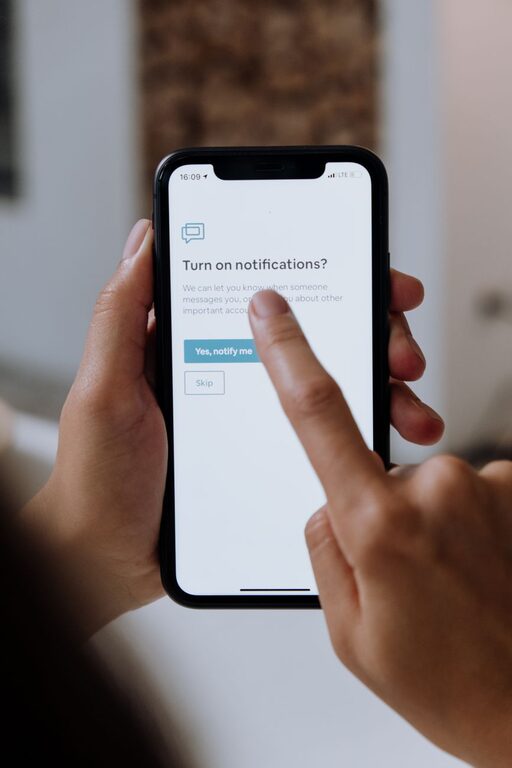
In today’s digital world, notifications from apps, emails, and messages constantly vie for our attention. While they can keep us informed and connected, too many notifications often lead to distractions, stress, and reduced productivity. Setting clear boundaries with notifications is essential for maintaining focus and reclaiming control over your time.
This guide offers practical tips to help you manage notifications effectively and create a healthier digital environment.
Why Setting Boundaries with Notifications Matters
Before diving into the tips, it’s important to understand why notification management matters:
– Minimize Distractions: Frequent interruptions derail concentration and extend the time it takes to complete tasks.
– Reduce Stress: Constant alerts can create a sense of urgency—even when nothing urgent exists.
– Enhance Focus: Limiting notifications helps sustain attention on important work or personal time.
– Promote Work-Life Balance: Setting clear boundaries prevents work notifications from creeping into personal time.
With these benefits in mind, let’s explore actionable steps you can take.
1. Audit Your Current Notifications
Begin by reviewing which notifications you currently receive:
– Check your phone, tablet, and computer notification settings.
– Identify apps that send frequent or unnecessary alerts.
– Consider whether each notification adds value or serves an important purpose.
This audit helps you become aware of your digital noise and prepares you for targeted adjustments.
2. Prioritize Notifications by Importance
Not all notifications deserve equal attention. Classify them into categories such as:
– Essential: Time-sensitive messages from family, urgent work alerts.
– Informational: News updates, social media likes or comments.
– Promotional: Deals, advertisements, app suggestions.
Keep only essential notifications enabled during focused times, and mute or limit the others.
3. Use Do Not Disturb Mode Strategically
Most devices offer a “Do Not Disturb” (DND) feature that silences notifications temporarily. Use it to:
– Block interruptions during deep work sessions or meetings.
– Ensure uninterrupted sleep by scheduling quiet hours.
– Customize exceptions for contacts or apps that need to get through.
Set recurring DND periods to build consistent boundaries around your time.
4. Schedule Dedicated Times to Check Notifications
Rather than responding immediately to every alert, designate specific times to review messages:
– Check emails and messages in batches, such as mid-morning and late afternoon.
– Avoid constantly monitoring your phone or computer during work hours.
– Use reminders to prompt you when it’s time to catch up on notifications.
This approach reduces the habit of reactive multitasking.
5. Customize Notification Settings for Each App
Dive deeper into each app’s settings to refine how and when you receive alerts:
– Turn off sounds or vibrations for less important apps.
– Opt for banner notifications instead of full pop-ups when appropriate.
– Limit lock screen notifications to avoid constant visual distractions.
Fine-tuning these options tailors your notification experience to your lifestyle.
6. Use Focus or Productivity Tools
Many platforms offer built-in or third-party tools to help manage notifications and stay focused:
– Apple’s Focus modes allow you to create personalized profiles for work, personal time, or sleep.
– Android’s Digital Wellbeing tools enable app timers and notification silence.
– Browser extensions can block distracting sites and notifications during work hours.
Explore these tools to support your notification boundaries effectively.
7. Communicate Your Boundaries Clearly
If notifications relate to work or family communication, share your boundaries openly:
– Let colleagues know your response times and preferred communication channels.
– Inform friends and family when you plan to be offline or unavailable.
– Set expectations to reduce pressure for immediate replies.
Clear communication helps others respect your focus and downtime.
8. Regularly Reassess and Adjust
Your needs and priorities may change over time, so revisit your notification settings periodically:
– Evaluate which notifications are still relevant and which can be disabled.
– Adapt your DND schedules or focus modes as your daily routine evolves.
– Stay mindful of new apps or updates that may alter your notification habits.
Ongoing fine-tuning keeps your system aligned with your goals.
Final Thoughts
Successfully setting boundaries with notifications requires awareness, intention, and some experimentation. By auditing your alerts, prioritizing what’s important, and leveraging device features, you can reduce distractions and create space for focused work and quality personal time.
Start small, be consistent, and enjoy the benefits of a more balanced digital life. Your attention is valuable—protect it wisely!